Day 1 of Document Extraction Workbench: The page never said the currency
I read a practice invoice and copied five fields by hand. The second invoice had no currency line. The answer key left that field empty. That gap is the reason I am building Document Extraction Workbench.
The short version
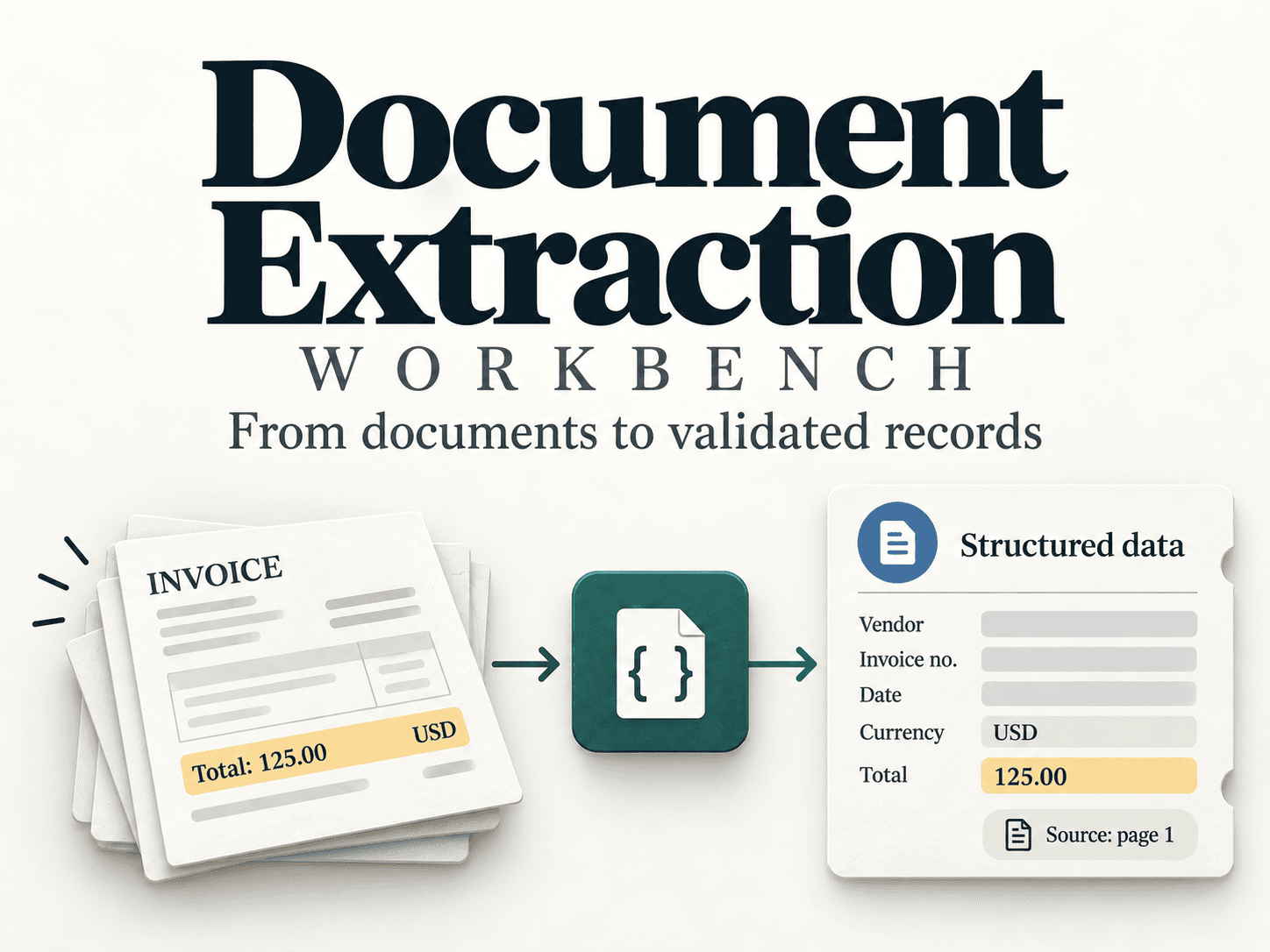
Document Extraction Workbench is a portfolio prototype. It reads one invoice and writes a draft record a person can check. It does not approve a payment or change a live accounting system.
On Day 1 I did not call a model. I set up the project, read the sample invoices, and wrote down what goes in and what comes out. One invoice never says a currency. The correct draft leaves that field null.
What I read, and what was missing
Invoice 1 is a full page. I checked it against the answer key after I had read it myself.
Vendor: Northstar Paper
Invoice number: INV-001
Date: 2026-09-01
Currency: USD
Total: 125.00
Invoice 2 looks almost the same, until the currency line.
SYNTHETIC TRAINING INVOICE
Vendor: Lake Office
Invoice number: INV-002
Date: 2026-09-02
Total: 42.50
No goods or services were purchased. Training example only.
The answer key says currency: null. Filling in USD because the other invoice used dollars would be a guess. The page never gave that fact.
Why a blank field has to stay blank
Someone copying invoices into a spreadsheet will often fill the gap. A $ sign, a US address, or the last invoice they saw all feel like hints. The number can still be wrong, and nothing on the sheet records where each value came from.
The prototype keeps three things with every field: the value, the exact words on the page, and the page number. If the words are not there, the value stays null. A missing currency and an unreadable scan can both look empty, so a review note should also say why.
The plan: read, then check, then measure
The program follows five steps.
- Read. Get the words off a text file or a text PDF.
- Extract. Fill vendor, invoice number, date, currency, and total.
- Validate. Check the rules, and check that the quote is really on that page.
- Save. Write JSON a person can open.
- Measure. Compare the draft with answers a person already checked.
A saved practice answer comes before any live model call, so the checks can be tested while the model is still out of the loop. The model is one step in that list. It is not the whole program.
You can read the full plan on the Document Extraction Workbench case study.
What I set up on Day 1
Day 1 was four small commits.
- A portfolio README. It states the customer problem, the five-step path, and the stack, with a thumbnail in
public/. - An ignore file. The first
git add .staged about 6,500 files because the virtualenv came along. I unstaged them and ignored.venv,.env, and.DS_Storebefore the real commit. - The starter workspace. Python 3.12, a virtualenv, and the course files: sample invoices, an answer key, saved practice answers, and functions that still raise “not implemented.”
- A journal.
work/NOTES.mdrecords the contract: the whole page goes in, five answers come out as JSON, and a missing fact staysnull.
Why I wrote the contract first
Before any model fills in a form, I want a record of the rule. Invoice 2 is the baseline. If a later run writes USD for Lake Office, the journal shows that the page did not say so.
Frequently asked questions
What goes into the program?
One invoice file. The whole page of text.
What comes out?
Five answers as JSON: vendor, invoice number, date, currency, and total. Each answer keeps the value, the exact quote, and the page number.
What does an empty field mean?
The page never gave that fact, so the value stays null.
Does this prototype approve payments?
No. It writes one draft record for a person to inspect.
Follow along
I am building this alongside Ask TanStack Query and will write up each stage as it happens, including the mistakes.
Related: Day 1 of Ask TanStack Query: Why AI Gives Outdated TanStack Query v5 Answers